Reduce the tab-to-tab chase
Projects and tickets connect to pull requests. Your team can follow implementation and review from the work it started with.
Git integrations
Bring GitHub or Bitbucket Cloud into projx. Link tasks to code changes, follow pull requests and let agent verification and review work with your repository.
Projects and tickets connect to pull requests. Your team can follow implementation and review from the work it started with.
The integration supplies the project repository and branch, supports scoped credentials where available and opens the pull request for a run.
Webhook updates bring host checks and pull-request events into the workflow, so the merge decision follows the current change.
See the work move
Follow a real-screen walkthrough with example workspace data. Explore each step at your own pace.
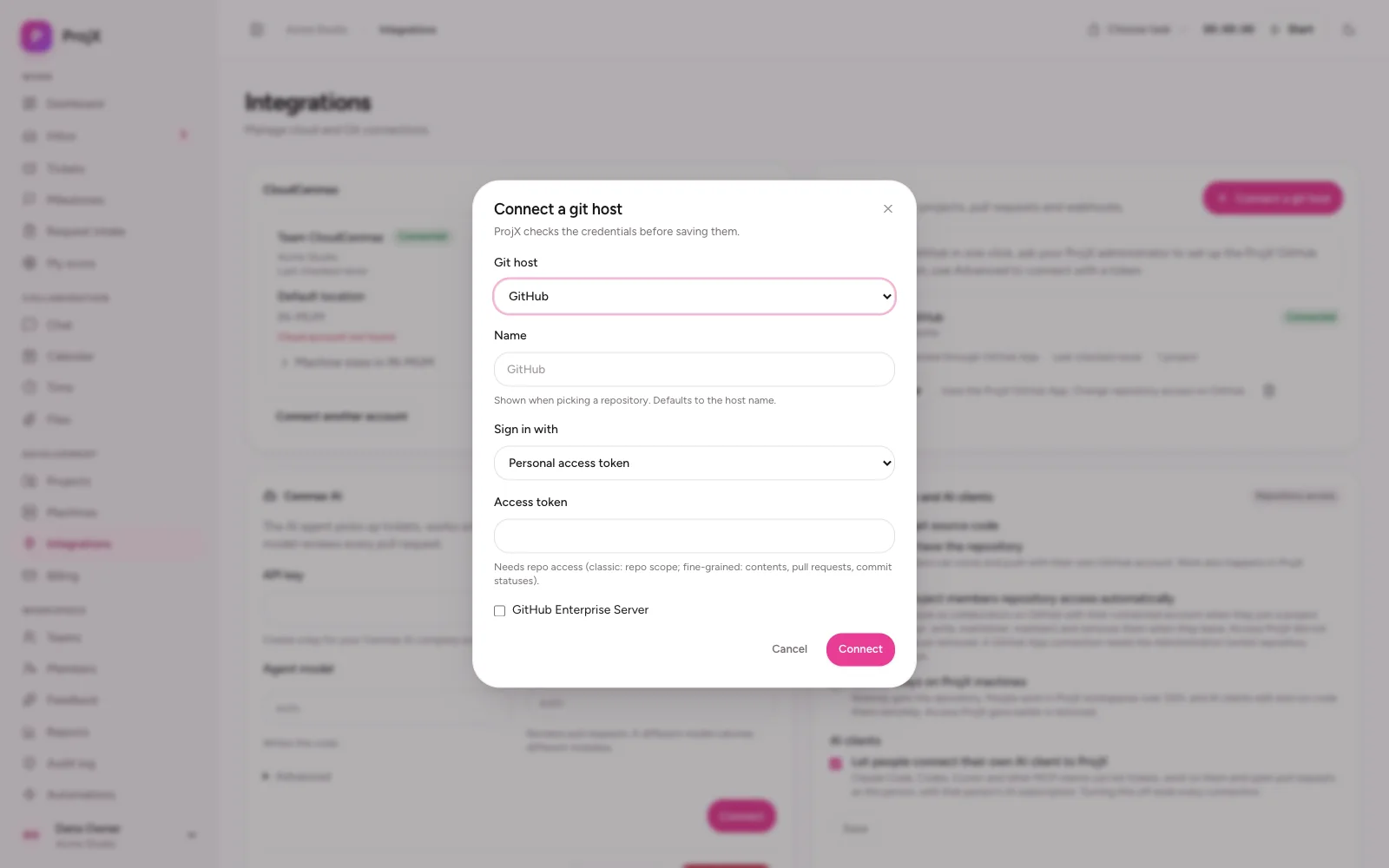
Connect a Git host with the credentials or app installation appropriate for your repository.
Actual screens · Example workspace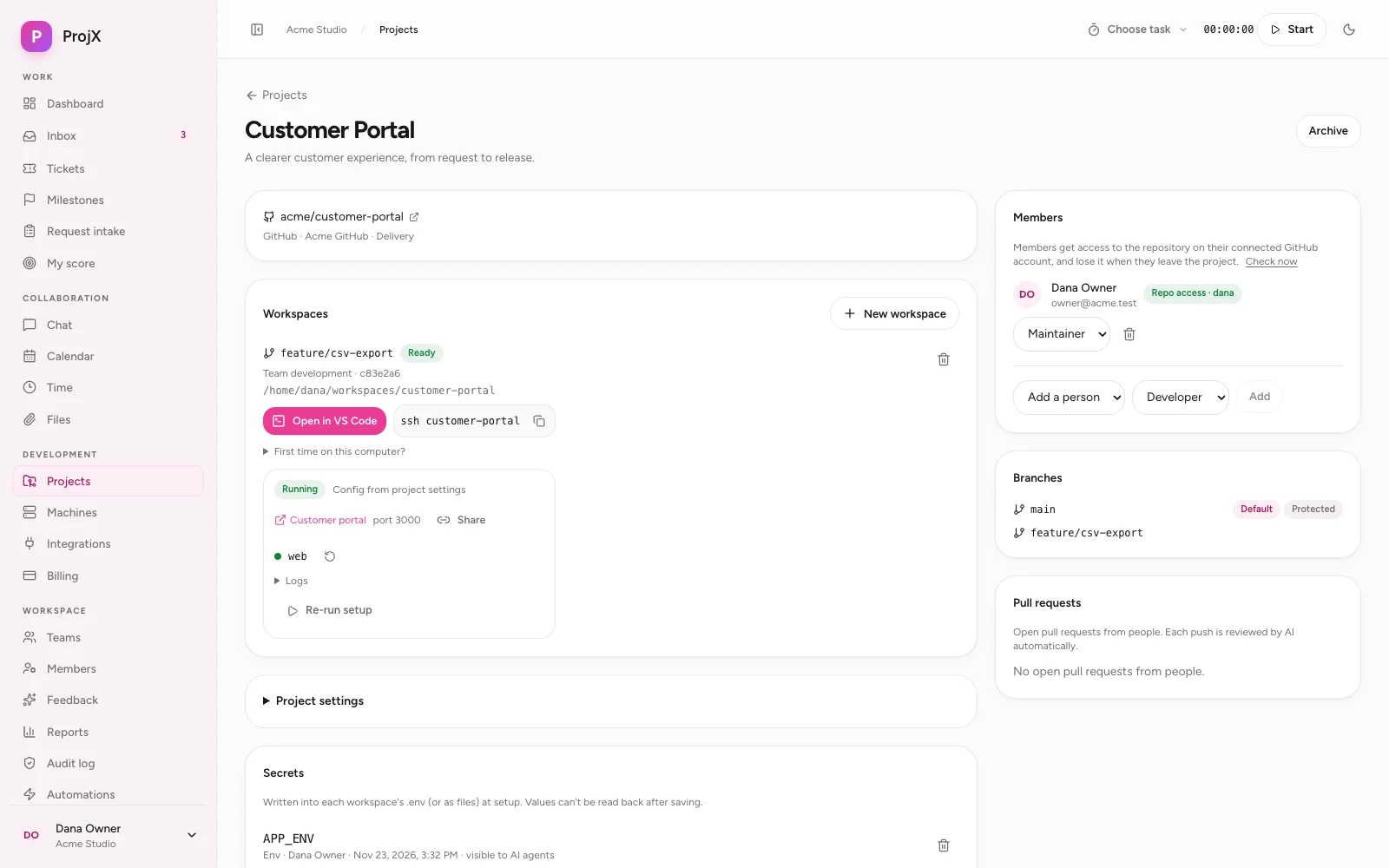
The project brings its repository link, branch information and member access into the same workspace.
Actual screens · Example workspace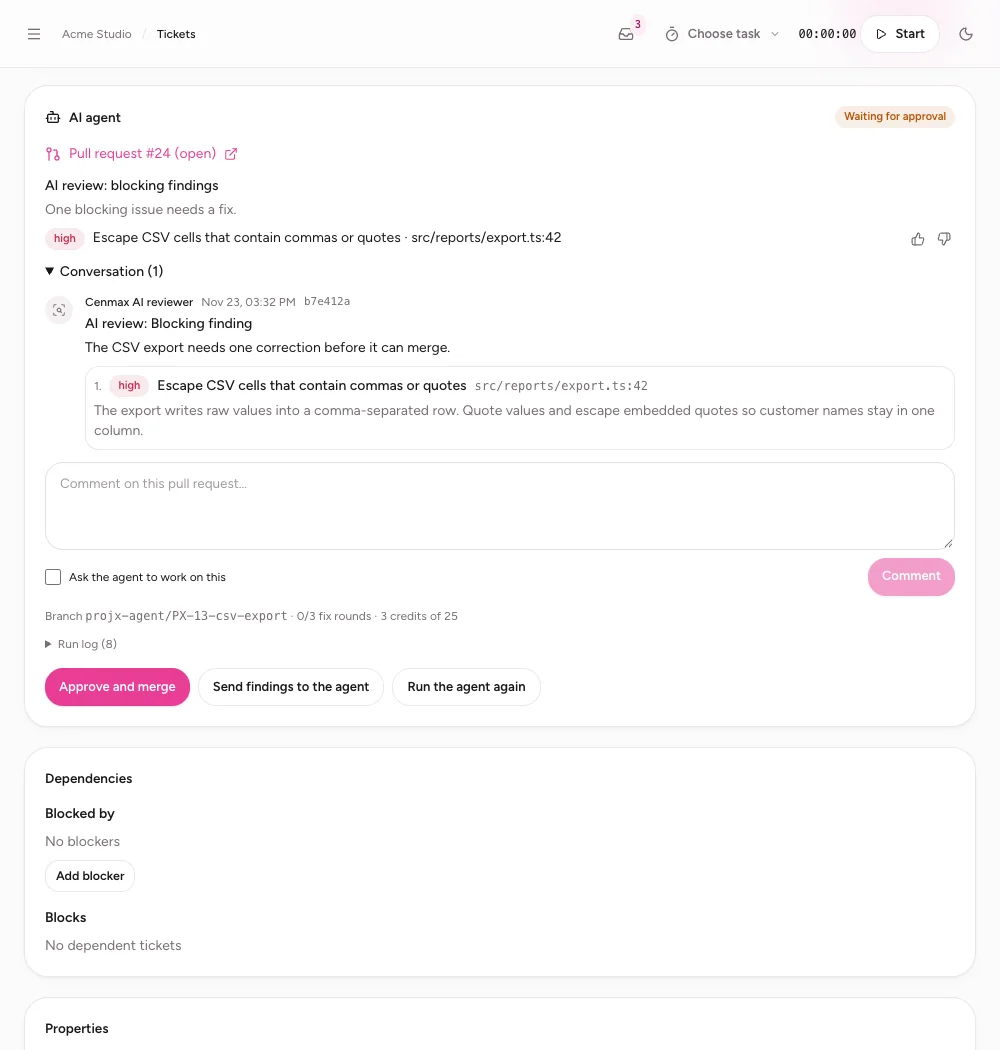
Read review findings alongside the ticket and follow the pushed change without rebuilding context from separate tools.
Actual screens · Example workspaceBuilt around the next step
Less coordination to manage. More context when you need it.
In repository mode, projx can grant and remove the GitHub access it manages as project membership changes. Pre-existing collaborator access is preserved.
Projects can use the organization's integration or an explicitly connected person's account for supported agent pushes. Personal-identity runs retain a human merge decision.
GitHub and Bitbucket Cloud are implemented. Other providers shown in planning records are not offered here as available integrations.
Good to know
No. Your repository remains on its Git host. projx connects the project and task workflow to branches, pull requests, review and checks.
Automatic collaborator synchronization is implemented for GitHub. Bitbucket repository membership is managed on the host.
Yes. Automatic merging checks branch protection where supported. An owner or administrator can explicitly allow the alternate unprotected-branch mode, with the decision recorded.
Your next step
Connect a repository and give your delivery workflow one shared view.