Keep ownership and access current
Manage members and roles as responsibilities change. The team can keep working without leaving outdated editing permissions in place.
Make routine administration easier to follow
People join, roles change and files get deleted. Keep those actions visible with workspace administration, searchable audit events and a recovery path for supported deleted items.
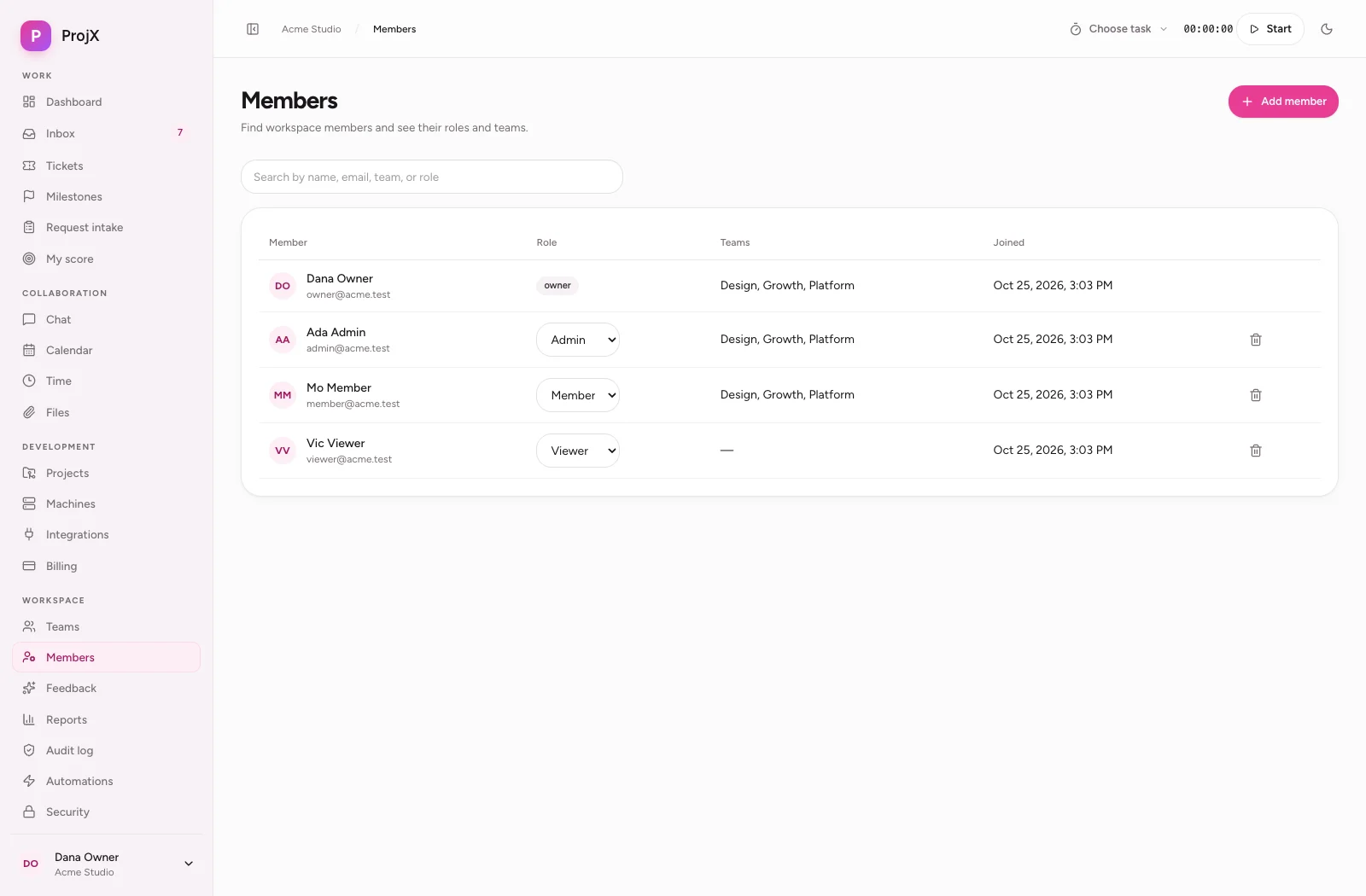
Manage members and roles as responsibilities change. The team can keep working without leaving outdated editing permissions in place.
Search role, integration and deletion events in the audit area. Start with the recorded action instead of reconstructing it from memory.
Trash provides a restoration path for tickets, files, milestones and intake forms. An accidental deletion does not always need to become a manual rebuild.
See the work move
Follow a real-screen walkthrough with example workspace data. Explore each step at your own pace.
Review members, roles, and team membership. Keep each person’s responsibility and access clear as the workspace changes.
Actual screens · Example workspace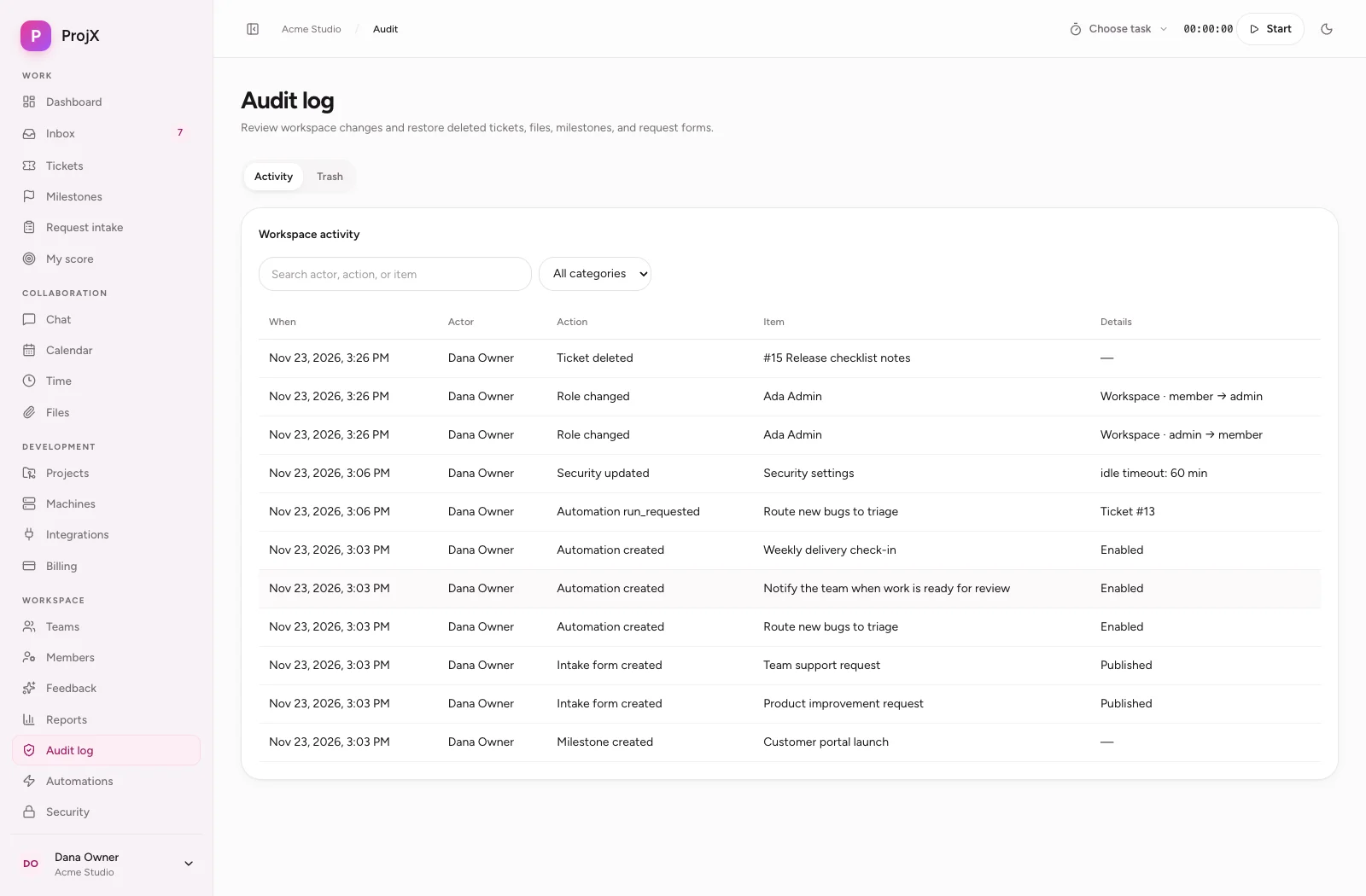
Search workspace changes and deletion events. See the actor, action, item, and details when someone needs to understand what happened.
Actual screens · Example workspace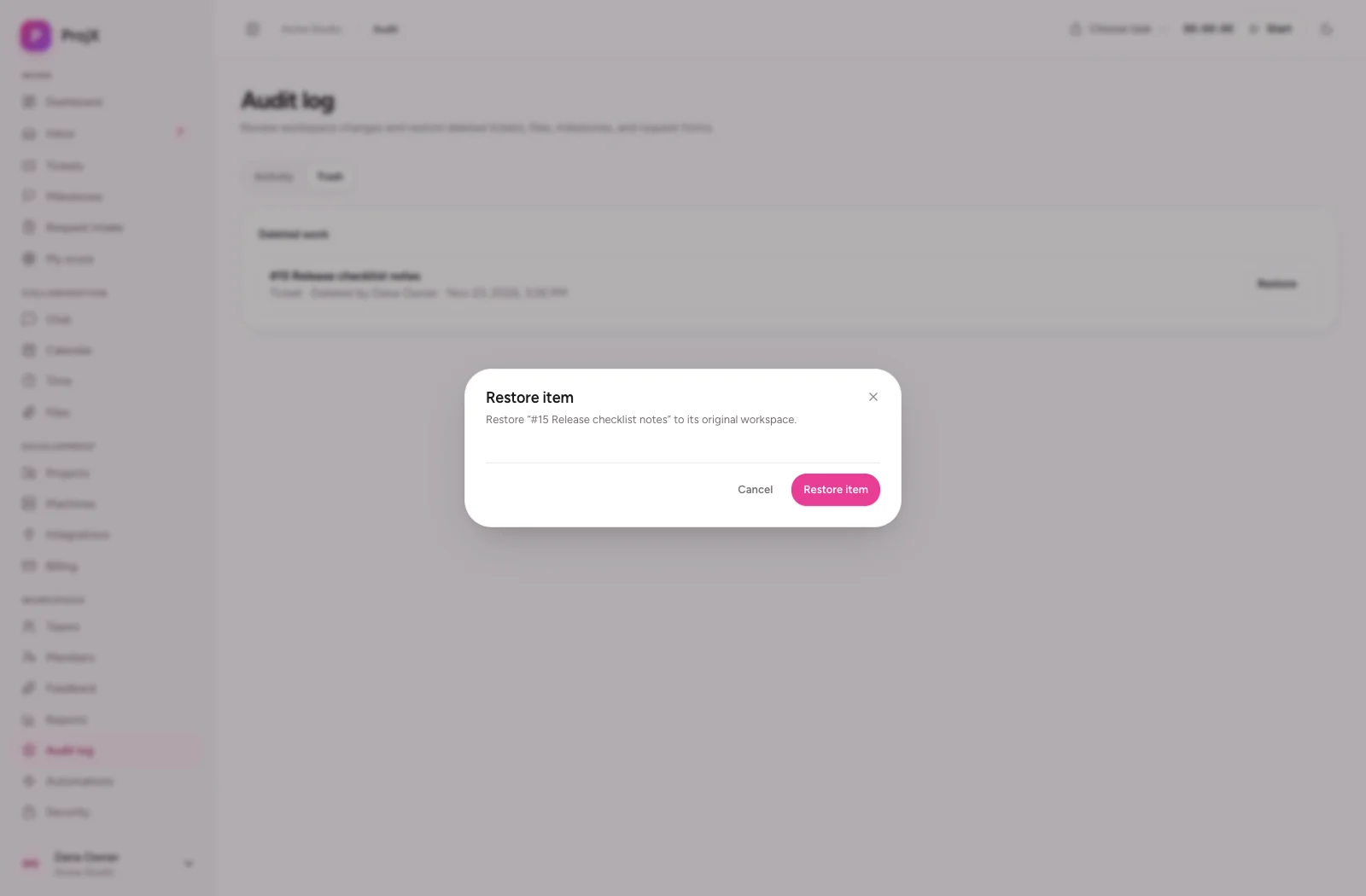
Find the item in Trash and review the restore confirmation. Return it to its original workspace instead of creating a new copy by hand.
Actual screens · Example workspaceBuilt around the next step
Less coordination to manage. More context when you need it.
Workspace owners and admins have management responsibilities beyond a member or viewer. The application checks those permissions when actions are requested.
Trash supports specific workspace objects. It is a recovery workflow for those deletions, rather than a promise that every action can be undone.
Workspace support-access controls let an administrator grant and withdraw consent for a support session. Administrative support activity is recorded.
Good to know
Supported recovery includes tickets, files, milestones and intake forms. Other deletion behavior depends on the particular feature.
No. Membership and role management require the relevant workspace permissions.
An owner or admin can open a support-access window from Security and withdraw it. Support sessions require that consent and their activity is recorded.
Your next step
Manage access, understand changes and recover supported items from the same workspace.