Reduce repeat requests for attachments
Keep supporting files in the workspace with search and download access. People can look for a file instead of asking its sender to share it again.
Keep the useful file easy to find
A screenshot or document is more useful when people know why it was shared. Attach files to the work, then find and preview the material your team needs.
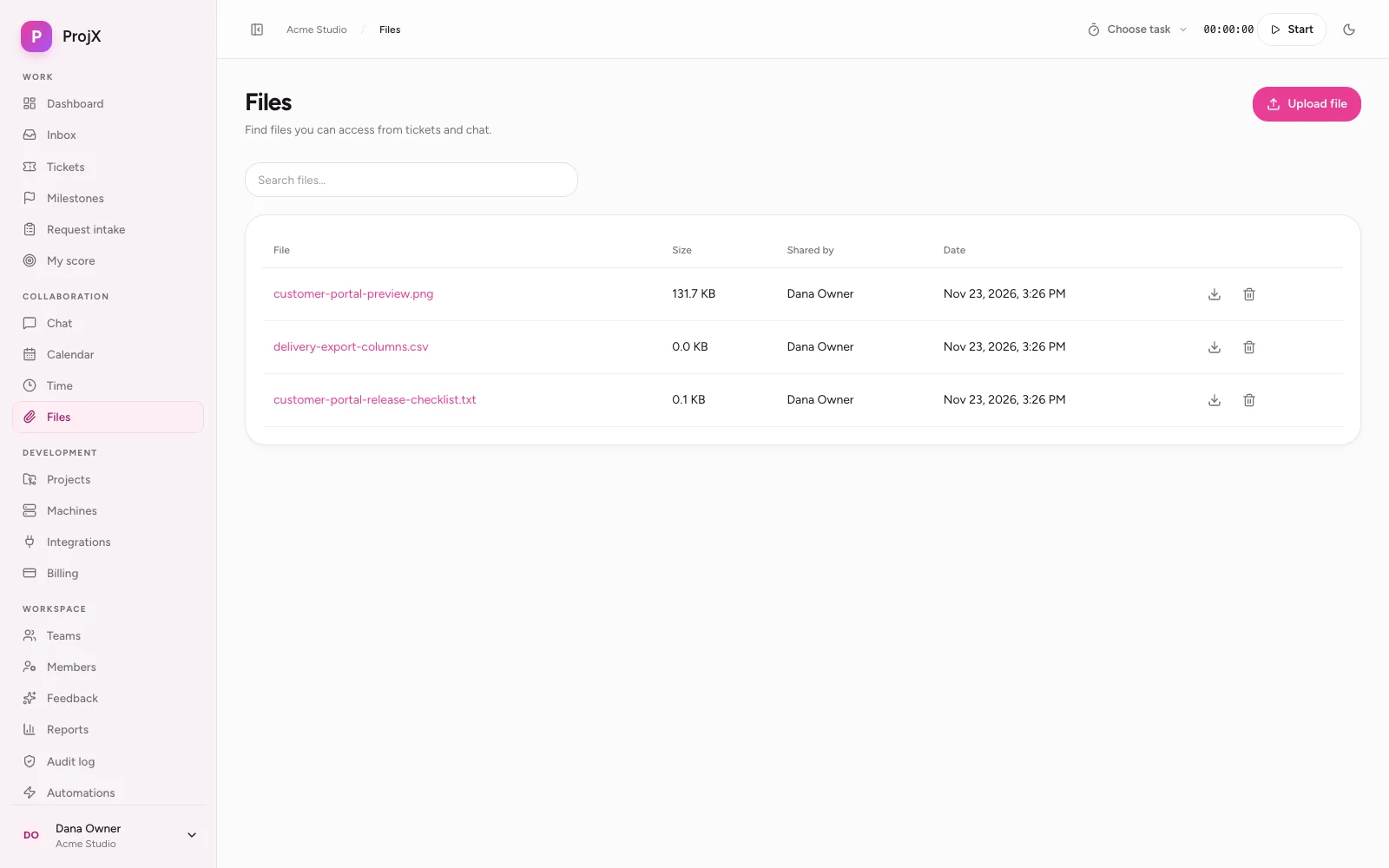
Keep supporting files in the workspace with search and download access. People can look for a file instead of asking its sender to share it again.
Ticket and chat attachments keep an image or document close to the conversation. The next person can read the explanation and inspect the file together.
Image and PDF previews let you inspect the material in the interface. Download it when you need to work with the original file.
See the work move
Follow a real-screen walkthrough with example workspace data. Explore each step at your own pace.
Search the file library and see the release checklist, report columns and preview image your team uploaded.
Actual screens · Example workspace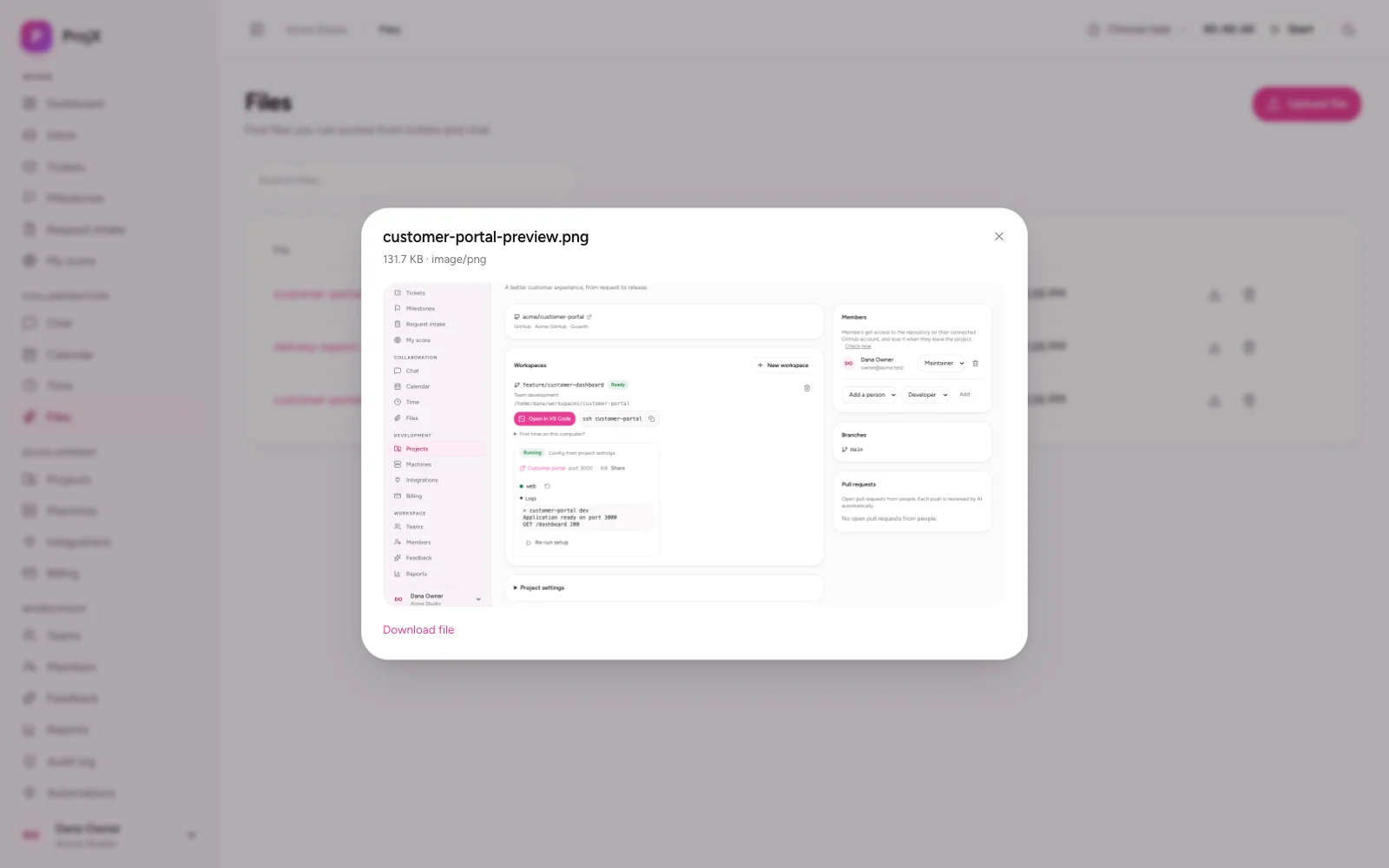
Open the image to inspect it in the preview dialog. A download action is available from the same view.
Actual screens · Example workspace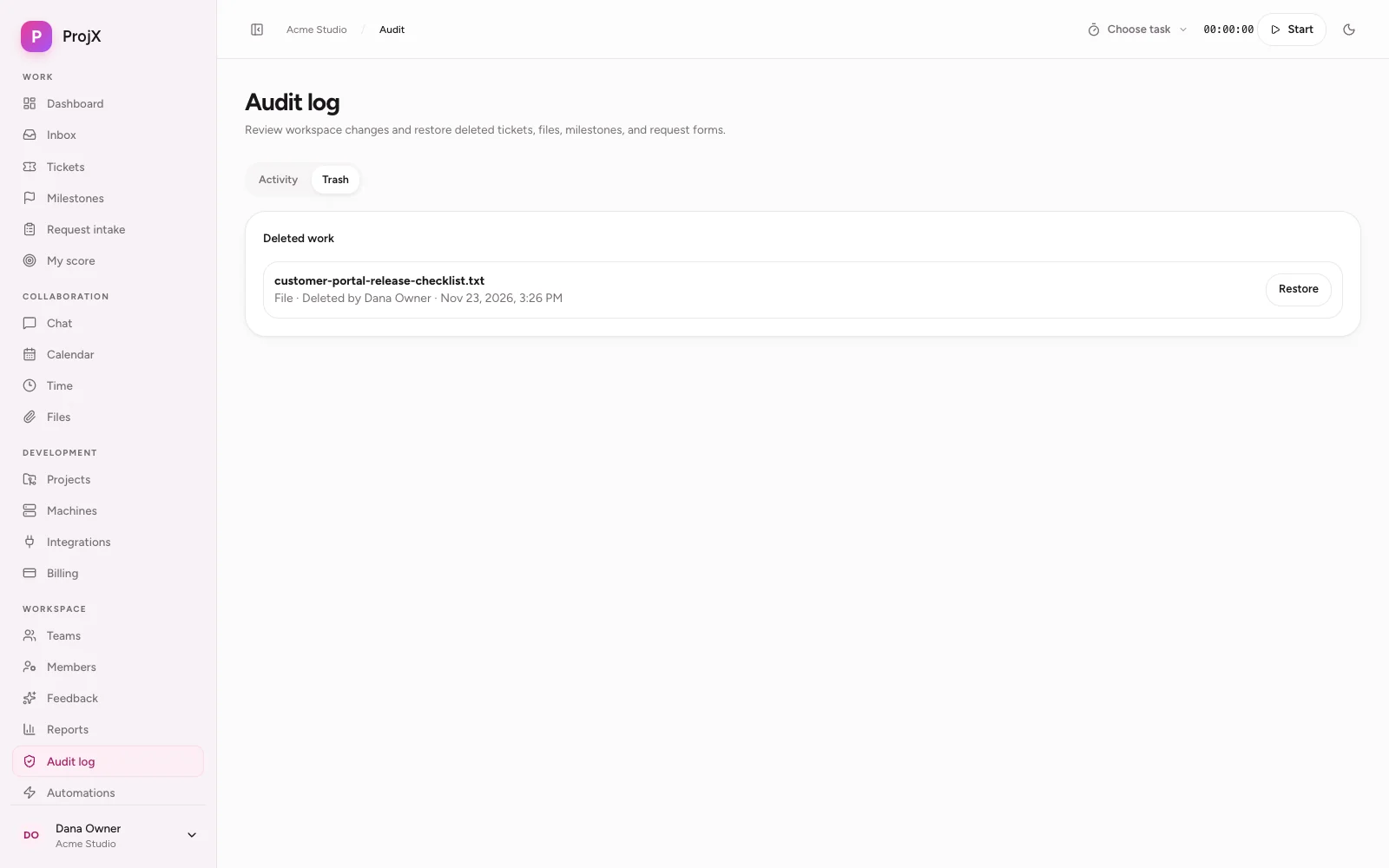
If a file is removed, an administrator can find its record in Trash and use Restore. This screen shows the deleted launch checklist ready for that recovery action.
Actual screens · Example workspaceBuilt around the next step
Less coordination to manage. More context when you need it.
Keep references, screenshots and documents available alongside delivery work. This is a shared file area and attachment workflow, rather than a document editor.
Attachments respect the permissions of their ticket or channel. A link to a file does not give someone membership of a private team conversation.
The application supports uploads up to 10 MB per file. That suits screenshots and everyday supporting documents while keeping the limit clear before you share.
Good to know
The file workflow provides upload, search, supported previews and downloads. It is not a collaborative document editor.
The interface supports image and PDF previews. Other formats remain available for download, subject to your access.
The current application limit is 10 MB per file. Ticket and chat attachments use the same file handling.
Your next step
Give your team a practical place to share the files behind the work.